
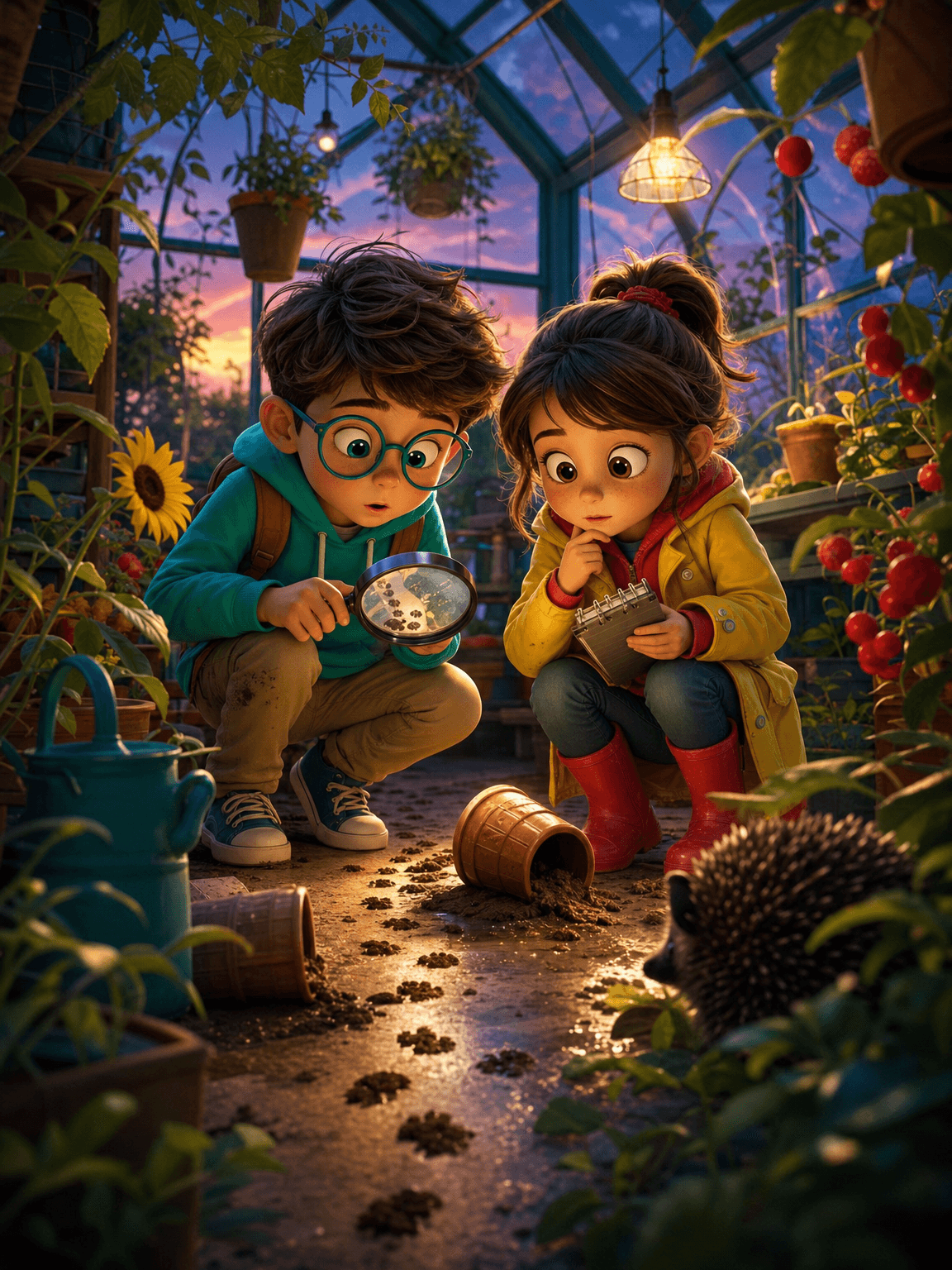
Start with a visual promise, not a list of shots.
A gentle fair-play mystery solved through visible evidence and reasoning.
The workflow turns one controlled creative brief into a complete storyboard sheet. Each scene advances the same story while the character bible, palette, recurring objects and environment references keep the visual world coherent.
Children’s creators, educators and family entertainment teams.
Choose an everyday puzzle with a safe explanation and three clues visible before the reveal.
Why a strong storyboard changes the final result.
Fair-play mystery requires precise information control. The storyboard determines when each clue is visible, what can distract attention and whether the solution is honestly supported.
A storyboard is not a contact sheet of attractive images. It is the cheapest place to solve narrative logic, direct attention and test continuity before those decisions become expensive animation problems. It gives every collaborator the same definition of the story: what the audience knows, what changes in each shot and which visual facts must never drift.
What weak boards get wrong
Adding the decisive clue in the final panel or hiding it so completely that deduction is impossible.
Build meaning across cuts
Stage every clue twice: first as background information, then from a revealing angle after the wrong hypothesis fails.
Show the first six frames to a reader and ask for two theories. If only one arbitrary answer is possible, add a meaningful alternative.
Configure the workflow before generating.
Choose a focused premise
Choose an everyday puzzle with a safe explanation and three clues visible before the reveal.
Build the subject and world
Define detectives, location, suspects, clue order and the plausible mistaken theory.
Lock continuity rules
Keep clue position, time of day, character access and location layout exact.
Set the directing logic
Show observation, comparison and elimination visually before the final deduction.
The best clue looks ordinary in panel two and important after panel six.
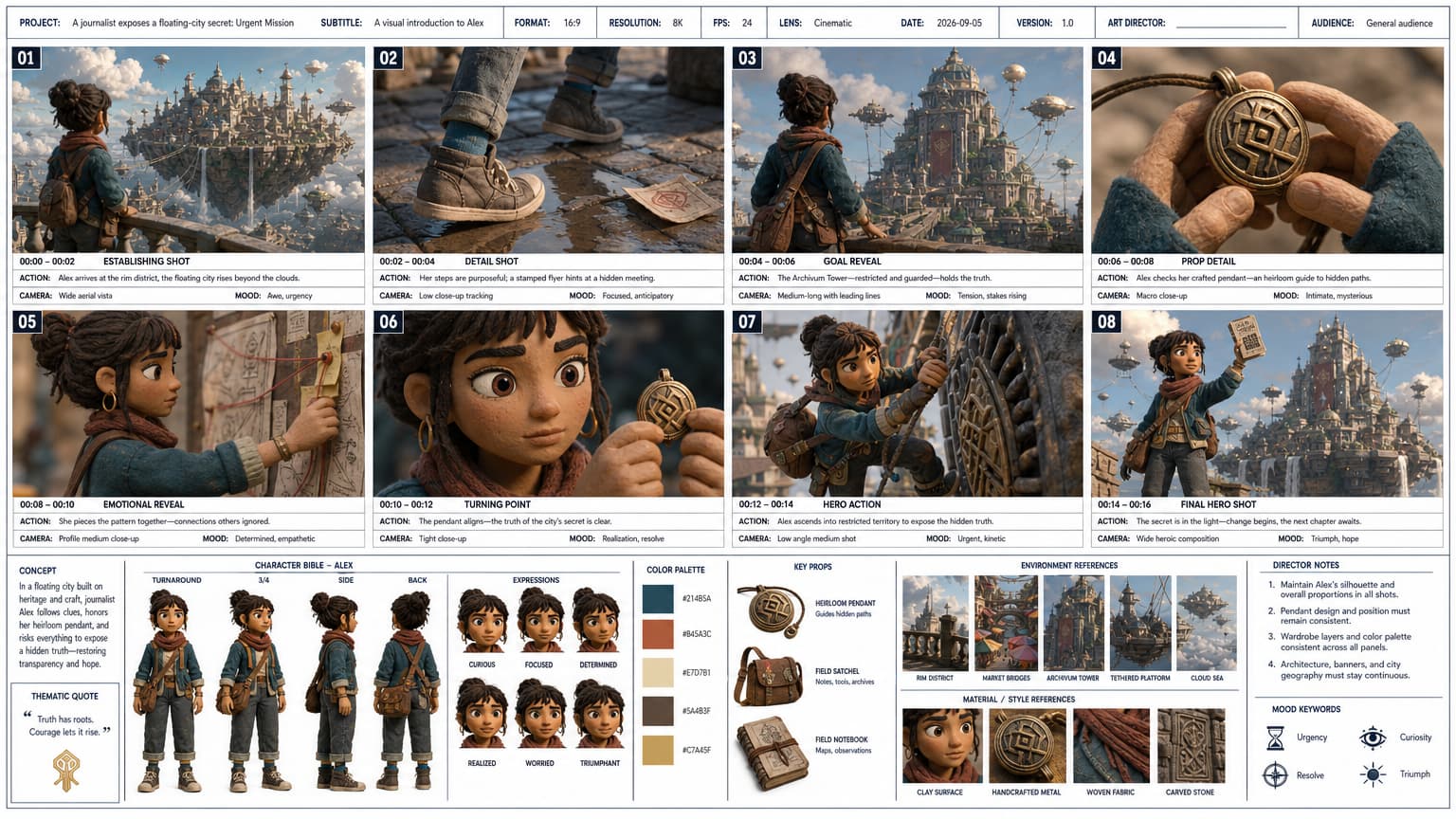
Make every frame perform a different job.
Shots 01–02 · Establish
Introduce the world, protagonist and immediate visual question. Move from a readable wide shot to one meaningful detail.
Shots 03–04 · Reveal the goal
Clarify what must change, then show the object, relationship or obstacle that makes the goal specific.
Shots 05–06 · Turn the story
Show consequence and realization. This pair should change the protagonist’s understanding, not merely repeat the action.
Shots 07–08 · Act and resolve
Deliver the decisive action and a final image that proves the emotional or practical outcome.
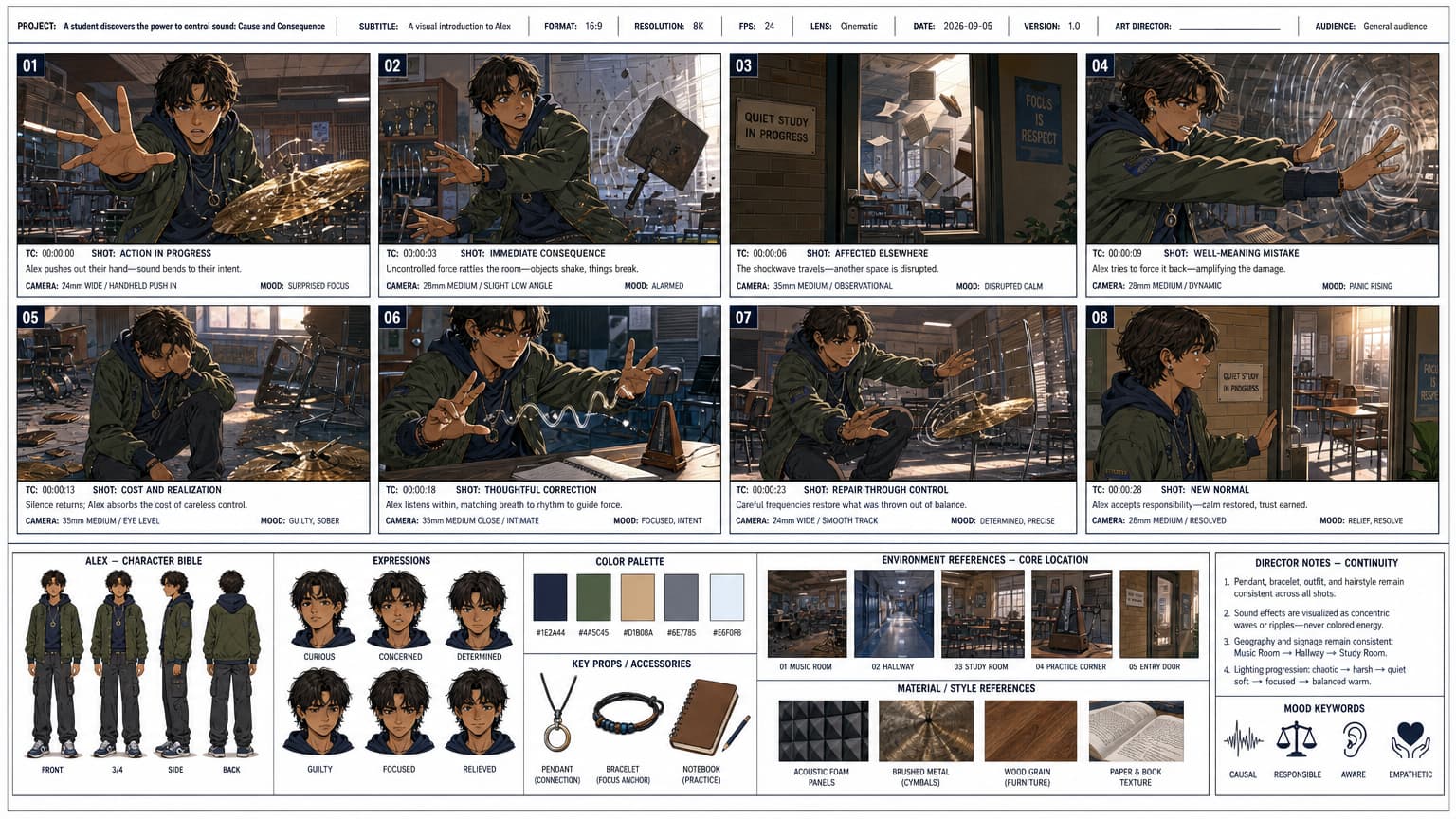
Review the sheet before animation.
Verify that the audience could solve the mystery using only earlier panels.
- The protagonist, wardrobe and defining features match in all eight scenes.
- Every shot advances the story and uses a purposeful camera scale.
- Props, geography, lighting and visible consequences remain continuous.
- The final frame resolves the premise and provides a strong animation source.
- No accidental text, duplicated anatomy or unexplained artifact appears in the sheet.
Once the storyboard is approved, open the video step, select the intended motion quality and send the reference image to Seedance 2.0. Keep the animation prompt focused on movement, camera behavior, timing and sound rather than redesigning the scene.
Build this storyboard.
Open the configured workflow and turn your premise into eight production-ready scenes.