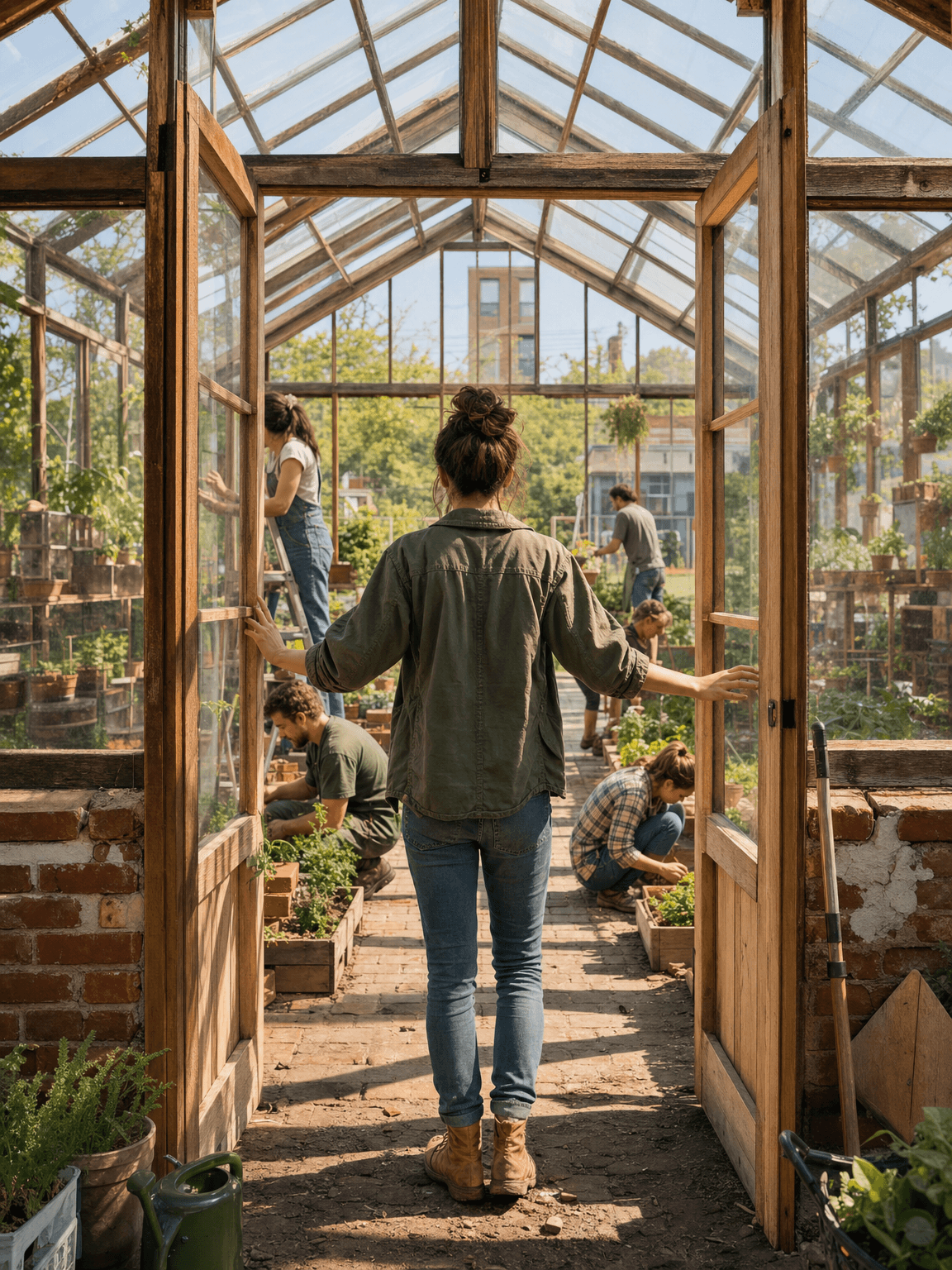
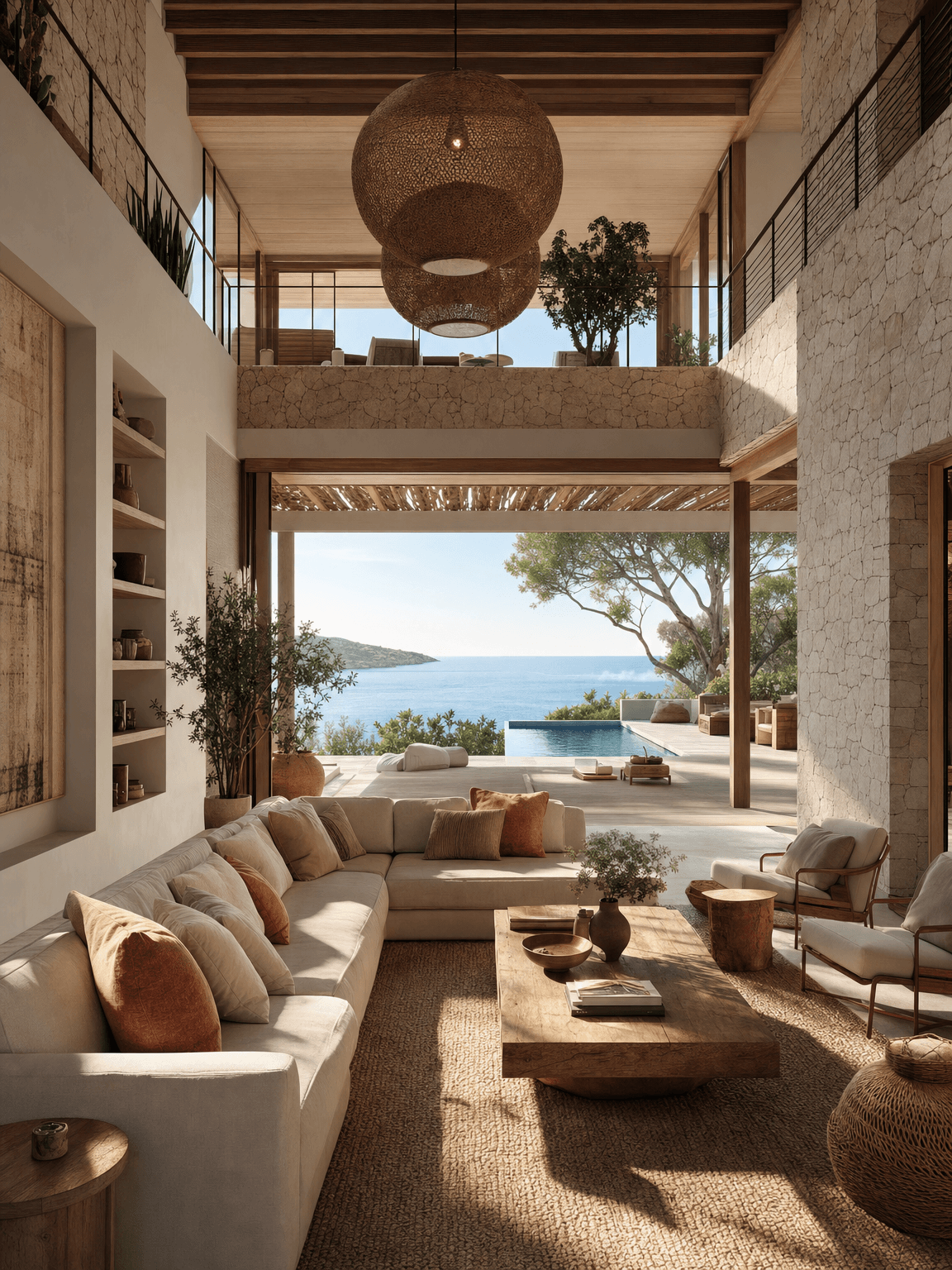
Start with a visual promise, not a list of shots.
A physically coherent exterior-to-interior property tour with an aspirational finish.
The workflow turns one controlled creative brief into a complete storyboard sheet. Each scene advances the same story while the character bible, palette, recurring objects and environment references keep the visual world coherent.
Agents, architects, developers and hospitality marketers.
Choose the property’s defining lifestyle promise and make it the destination of the tour.
Why a strong storyboard changes the final result.
Property marketing depends on spatial trust. A storyboard establishes a navigable route so rooms feel connected and architectural features remain credible.
A storyboard is not a contact sheet of attractive images. It is the cheapest place to solve narrative logic, direct attention and test continuity before those decisions become expensive animation problems. It gives every collaborator the same definition of the story: what the audience knows, what changes in each shot and which visual facts must never drift.
What weak boards get wrong
Mutating windows, furniture and room proportions to create individually attractive but collectively impossible views.
Build meaning across cuts
Choose doorway and window sightlines that preview the next space, creating motivated transitions and perceived depth.
Sketch a simple floor plan from the eight frames. If the route cannot be reconstructed, fix the camera sequence.
Configure the workflow before generating.
Choose a focused premise
Choose the property’s defining lifestyle promise and make it the destination of the tour.
Build the subject and world
Define property type, architecture, room order, materials, lighting and target buyer.
Lock continuity rules
Preserve doors, windows, furniture, view direction and room-to-room circulation.
Set the directing logic
Follow a believable route from arrival through signature spaces to the final view.
Treat every doorway as an edit point; it makes transitions feel intentional and spatially credible.
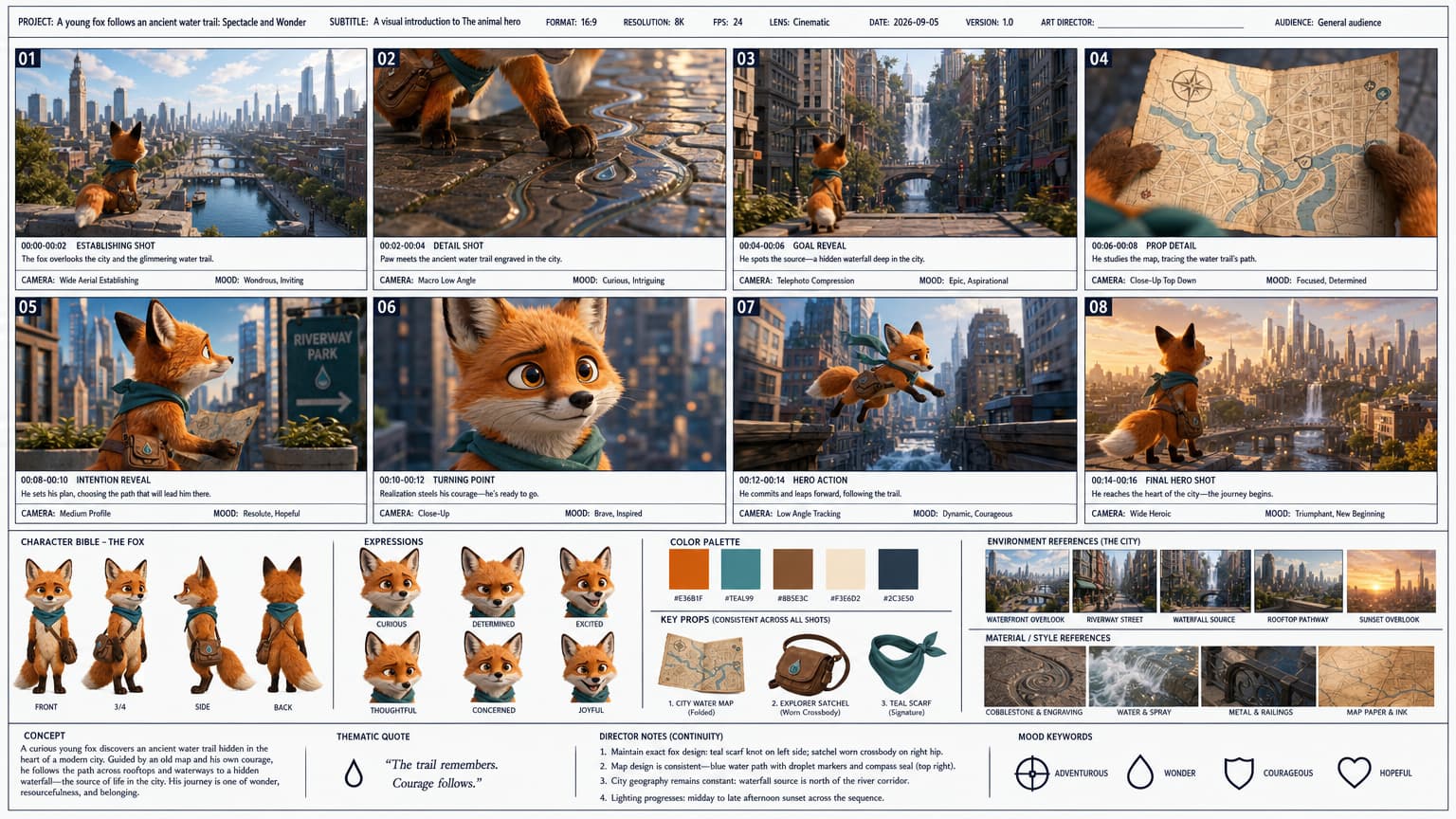
Make every frame perform a different job.
Shots 01–02 · Establish
Introduce the world, protagonist and immediate visual question. Move from a readable wide shot to one meaningful detail.
Shots 03–04 · Reveal the goal
Clarify what must change, then show the object, relationship or obstacle that makes the goal specific.
Shots 05–06 · Turn the story
Show consequence and realization. This pair should change the protagonist’s understanding, not merely repeat the action.
Shots 07–08 · Act and resolve
Deliver the decisive action and a final image that proves the emotional or practical outcome.
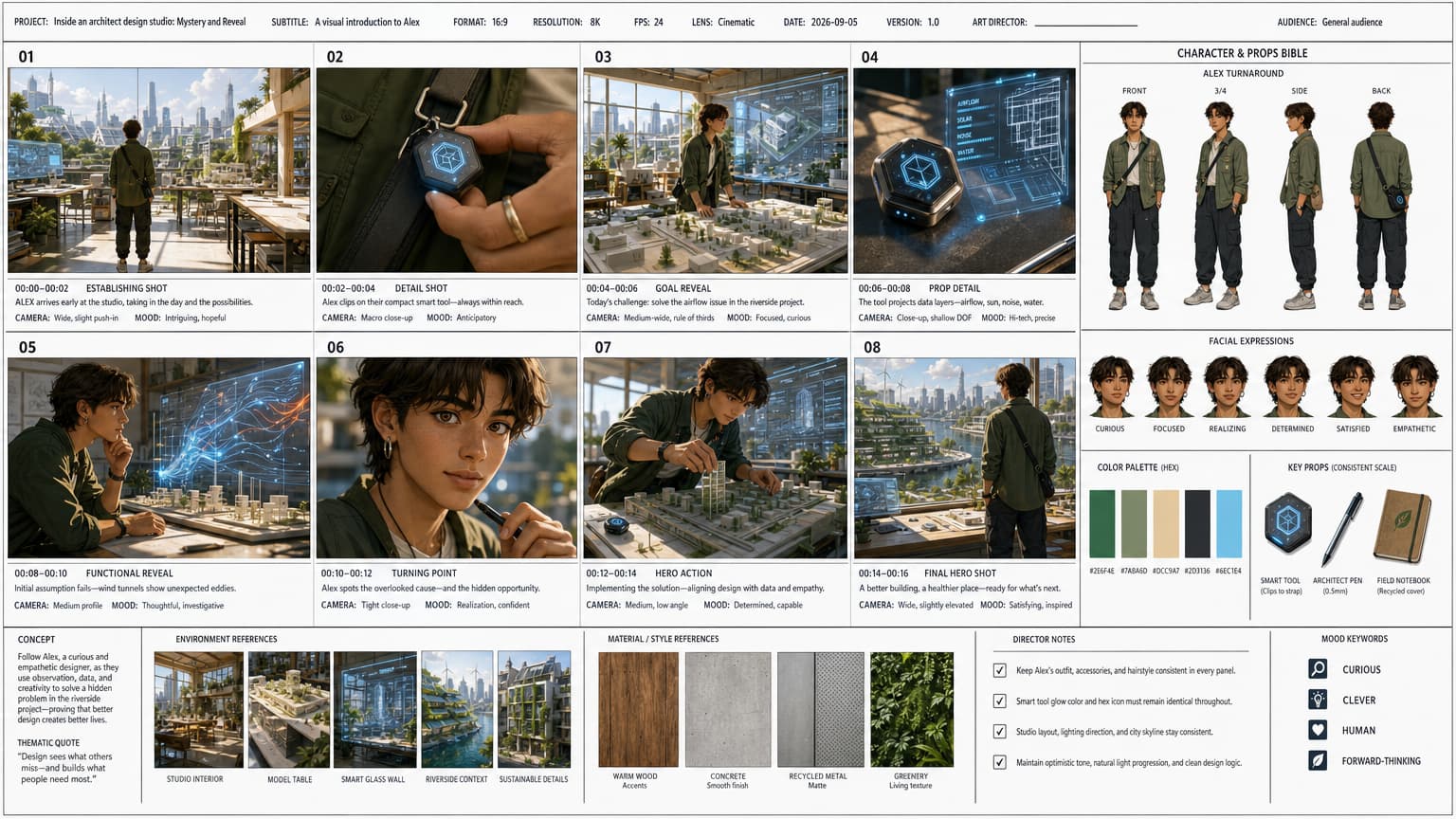
Review the sheet before animation.
Check that room geometry does not mutate and no impossible openings appear.
- The protagonist, wardrobe and defining features match in all eight scenes.
- Every shot advances the story and uses a purposeful camera scale.
- Props, geography, lighting and visible consequences remain continuous.
- The final frame resolves the premise and provides a strong animation source.
- No accidental text, duplicated anatomy or unexplained artifact appears in the sheet.
Once the storyboard is approved, open the video step, select the intended motion quality and send the reference image to Seedance 2.0. Keep the animation prompt focused on movement, camera behavior, timing and sound rather than redesigning the scene.
Build this storyboard.
Open the configured workflow and turn your premise into eight production-ready scenes.